Go beyond invoices and bills — master journal entries, transfers, statements, inventory adjustments, payroll, and the lists that power every QuickBooks transaction
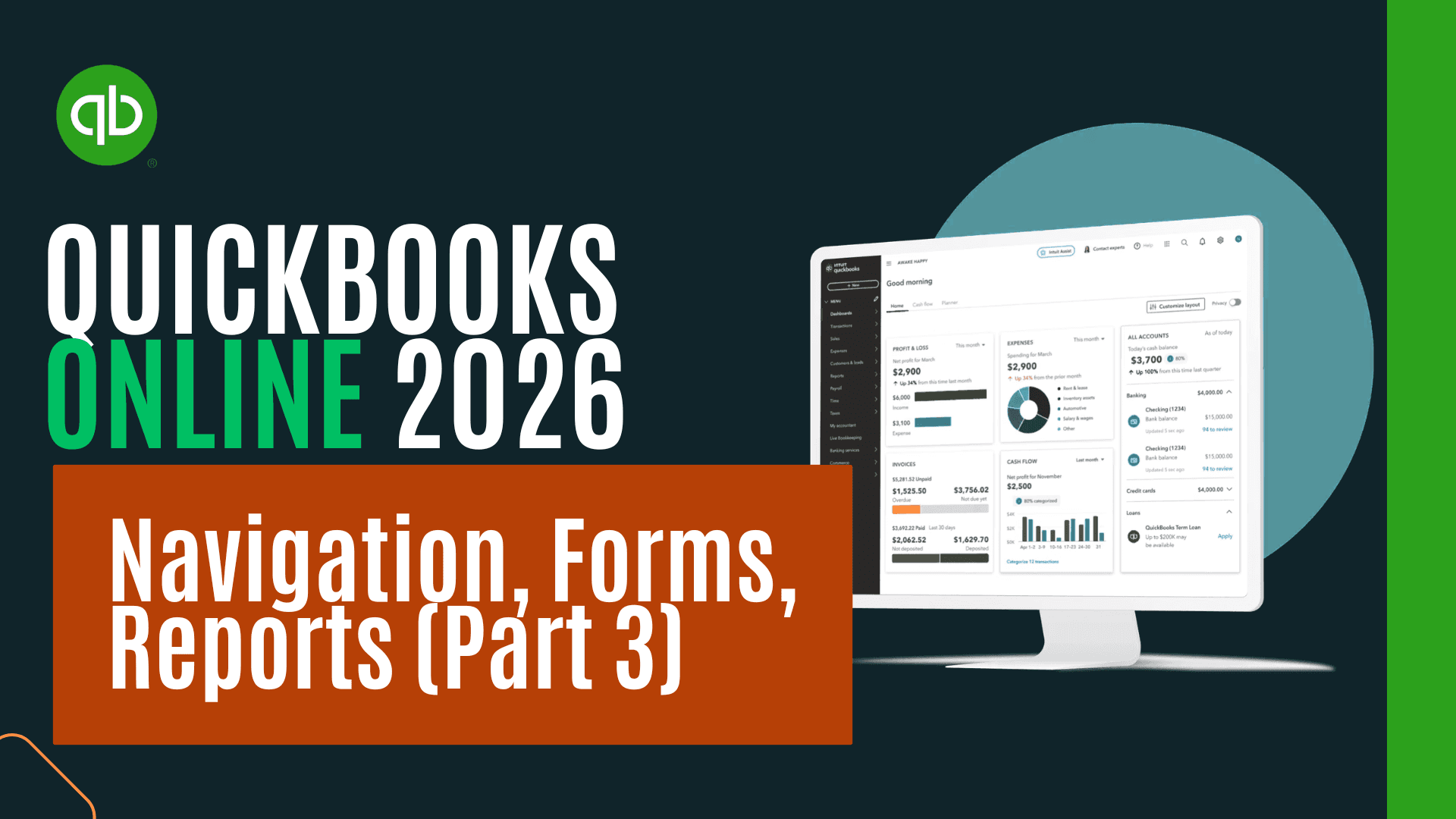
Most QuickBooks Online users are comfortable with the everyday forms — invoices, bills, expenses, and checks — but quickly run into trouble the moment a transaction falls outside that core workflow. What do you do when you need to move money between bank accounts, write off a customer balance, record a depreciation entry, or adjust inventory after a count discrepancy? And once those transactions are entered, how do you actually verify what they did to the balance sheet and profit & loss?
This course closes those gaps. Working hands-on inside the free QuickBooks Online sample company file (the Test Drive), you'll walk through every specialized form QuickBooks Online offers, set up and maintain the lists that drive accurate reporting, run the employee payroll process from start to finish, and learn to navigate the entire reports library with confidence. Each form is examined the same way an accountant would examine it: enter the transaction, then immediately flip to the balance sheet and income statement to see exactly which accounts moved, in which direction, and why.
The instructor uses a side-by-side, two-tab teaching method — financial statements open in one tab, the form open in another — so you build genuine intuition for the double-entry mechanics happening behind the scenes, not just memorized button-clicks. Keyboard shortcuts and help-and-support resources are also covered so you can work faster and find answers when QuickBooks throws you something unexpected.
This course is ideal for bookkeepers, small business owners doing their own books, accounting students transitioning from theory to software, office managers who inherited the QuickBooks file, and accounting professionals onboarding to QuickBooks Online from desktop or another platform. Prior exposure to basic QuickBooks Online navigation is helpful but not required — every lesson begins from the sample company file and walks step-by-step through setup, data entry, and verification.
By the end of the course, you'll be able to confidently choose the right form for any transaction, understand exactly how that transaction will hit your financial statements before you save it, maintain clean and well-organized supporting lists, process a payroll run, and pull the right report to answer almost any question a manager, owner, or auditor might ask.

CPA, CGMA, M.S. Tax, CPI
Through working with students from many different schools, Mr. Steele has learned best practices for helping people understand accounting fast. Learning new skills and finding the best way to share knowledge with people who can benefit from it is a passion of his. Mr. Steele has experience working as a practicing Certified Public Accountant (CPA), an accounting and business instructor, and curriculum developer. He has enjoyed putting together quality tools to improve learning and has been teaching, making instructional resources, and building curriculum since 2009. He has been a practicing CPA since 2005. Mr. Steele is a practicing CPA, has a Certified Post-Secondary Instructor (CPI) credential, a Master of Science in taxation from Golden Gate University, a Bachelor’s Degree in Business Economics with an emphasis in accounting from The University of California Santa Barbara, and a Global Management Accounting Designation (CGMA) from The American Institute of CPA (AICPA). Mr. Steele has also authored five books that can be found on Amazon or in audiobook format on Audible. He has developed bestselling courses in accounting topics including financial accounting and QuickBooks accounting software. In addition to working as an accountant, teaching, and developing courses Mr. Steele has helped create an accounting website at accountinginstruction, a YouTube channel called Accounting Instruction, Help, and How Too, and has developed supplemental resources including a Facebook Page, Twitter Page, and Podcasts that can be found on I-tunes, Stitcher, or Soundcloud. Mr. Steele's teaching philosophy is to make content applicable, understandable, and accessible. Adult learners are looking for application when they learn new skills. In other words, learners want to be able to apply skills in the real world to help their lives. Mr. Steele’s formal accounting education, practical work experience, and substantial teaching experience allow him to create a curriculum that combines traditional accounting education with practical knowledge and application. He accomplishes the goals of making accounting useful and applicable by combining theory with real-world software like Excel and QuickBooks. Many courses teach QuickBooks data entry or Excel functions but are not providing the real value learners want. Real value is a result of learning technical skills like applications, in conjunction with specific goals, like accounting goals, including being able to interpret the performance of a business. Mr. Steele makes knowledge understandable by breaking down complex concepts into smaller units with specific objectives and using step by step learning processes to understand each unit. Many accounting textbooks cram way too much information into a course, making it impossible to understand any unit fully. By breaking the content down into digestible chunks, we can move forward much faster. Mr. Steele also makes use of color association in both presentations and Excel worksheets, a learning tool often overlooked in the accounting field, but one that can vastly improve the speed and comprehension of learning accounting concepts. The material is also made understandable through the application of concepts learned. Courses will typically demonstrate the accounting concepts and then provide an Excel worksheet or practice problems to work through the concepts covered. The practice problems will be accompanied by an instructional video to work through the problem in step by step format. Excel worksheets will be preformatted, usually including an answer tab that shows the completed problem, and a practice tab where learners can complete the problem along with a step by step presentation video. Mr. Steele makes learning accounting accessible by making use of technology and partnering with teaching platforms that have a vision of spreading knowledge like CPDformula.
