Learn how Microsoft Copilot can help you streamline tasks and improve productivity in your favorite Microsoft apps.
In this Bigger Brains course, Microsoft expert Tim Blake will walk you through many of the practical uses for Copilot. You'll learn how Microsoft Copilot integrates into apps like Outlook, Teams, Word, Excel, PowerPoint, and more, going beyond prompts to see how the AI actually functions in each tool to help you work smarter and faster. You'll explore how to use Copilot to draft emails, summarize meetings, rewrite and refine content, generate presentations, and find documents using natural language. You'll see how shared features like translation, help prompts, and file search work across multiple apps to support your daily tasks.
You'll explore how Copilot works behind the scenes, learning how it uses your organizational data securely through Microsoft Graph and existing permissions and how you can use it to extract insights from your data. Whether you're a business user, team lead, or support staff, this course will give you a clear, practical understanding of how to use Copilot responsibly and effectively. No AI or technical background is required, but familiarity with Microsoft 365 is recommended.

Powering Productivity, One Brain at a Time!
Combining TV-style video production with modern graphics and animation, Bigger Brains courses are popular with both learners and training professionals around the world. Our top teachers and subject matter experts have real-world experience and create the most realistic and comprehensive training courses possible. Bigger Brains courses are built in a unique “Teacher/Learner” style, featuring two people on camera to recreate some of the interactivity and physiological benefits of classroom training, including dialogue, humor, and practical use case examples. This Uniquely Engaging™ video-based format is more enjoyable and more effective than traditional eLearning formats.
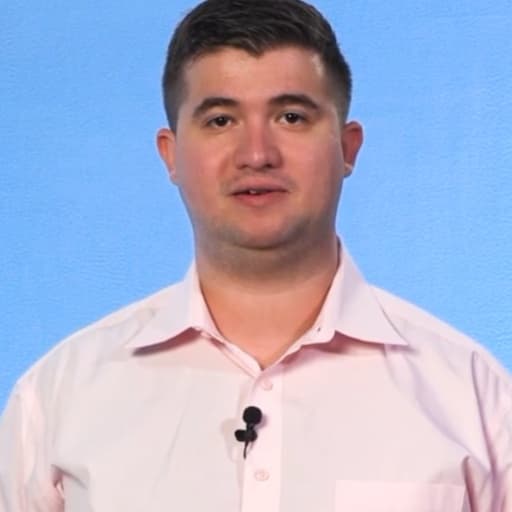
Microsoft certified trainer
Tim Blake is a Microsoft Certified Trainer, subject matter expert, and CEO of BBB Techs who teaches professional development and software training courses for the e-learning provider Bigger Brains.
