Reducing update time from 3 hours to 3 minutes.
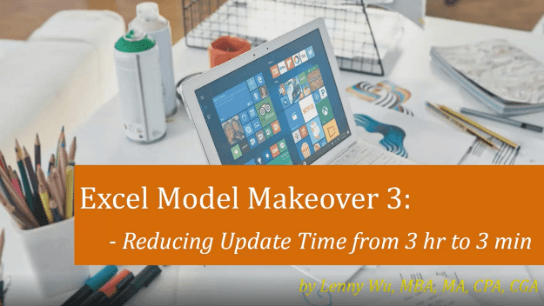
The course is presented in four parts.
First, the course introduces a business case of a “system updating” model that unintentionally includes all the hurdles to prevent fast update from the financial system. The model takes a staff 3+ hour to update the Excel reports for just 1 round of changes from the system, and what’s worse, system changes are twice or three times per day! So how to design the system updating model so that we can get “instant” updates from the system to the final presentation!
Next, the course will demonstrate how the author has overhauled the old model so that it: o Reduces the system updating time from 2 hours to 1 min, and o Reduces the presentation updating time from 1 hour to 2 minutes!
Third, the course explains 4 ways of reporting from a Financial System, but focuses on last 2 of them: o Extract “reports” from the System o Extract “data” from the System
Last, we demonstrate the 6 Dos and Don’ts in building system-updating and presentation-updating models. Some of the best practices are: o Do NOT extract “individual report” from the system, opening the can of worms of huge manual work. Rather, DO extract the complete “data” from the system for automated reporting o Do NOT copy/paste source data into the reporting file o Do NOT cleanse data manually before calculation o Do NOT manually key in entity name to generate report
Field of Study: Computer Software & Applications
Financial Reporting Expert
Lenny is Senior Financial Analyst at Ausenco. Lenny has over 15 years combined experience in financial planning and analysis (FP&A), financial reporting and modeling, and compliance auditing. Lenny supervises Adaptive Insights system budgeting, and is a CPA, CGA, and a Certified Adaptive Insights Professional and Certified Xero Partner. Lenny is a proponent for "One-click Reporting" for analysts and "Self-service Reporting" for executives. He has strong belief that reporting and closing should be hours rather than days or even weeks. Lenny also acted as local CPA chapter board officer and volunteered for Canada Revenue Agency as a Community Volunteer Income Tax Program consultant. Education MBA, Finance : George Washington University - SBPM (School of Business and Public Management) - [1998 to 2000]
